Categories :
Ram
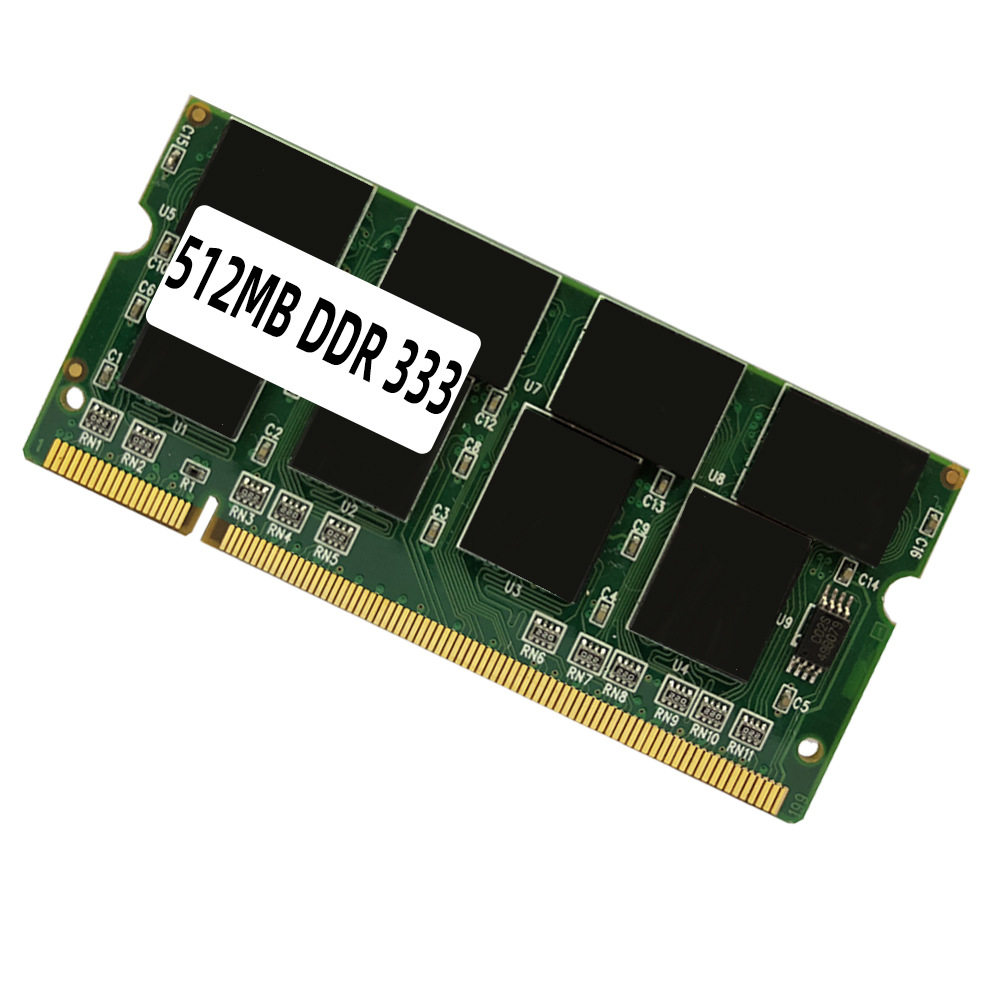
Memory capacity: 512MB
Memory capacity: 1GB

Get 5% instant discount for the 1st Flipkart Order using Ekomart Bkash

Flat 2,000 off on Citi Credit Card EMI Transactions over 10000

Free Worldwide Shipping on all orders over 1,000 Taka
Specifications:Module
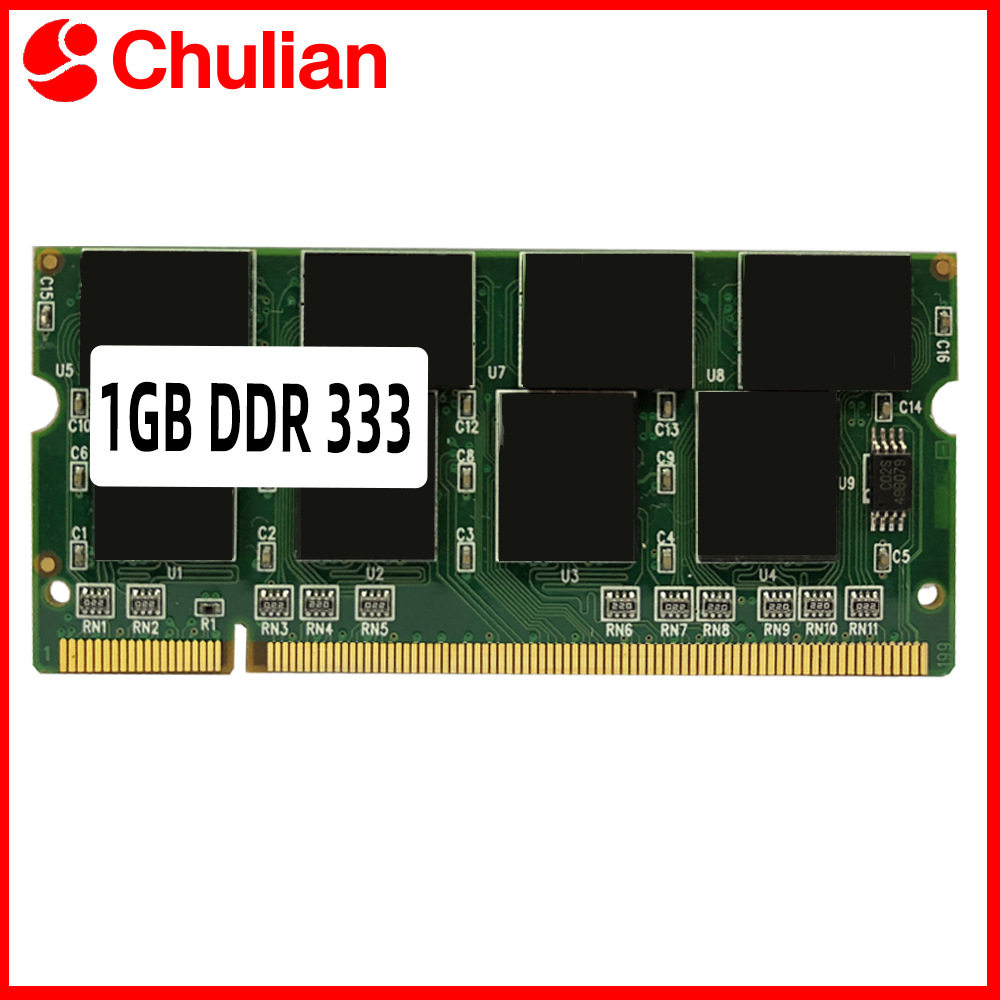
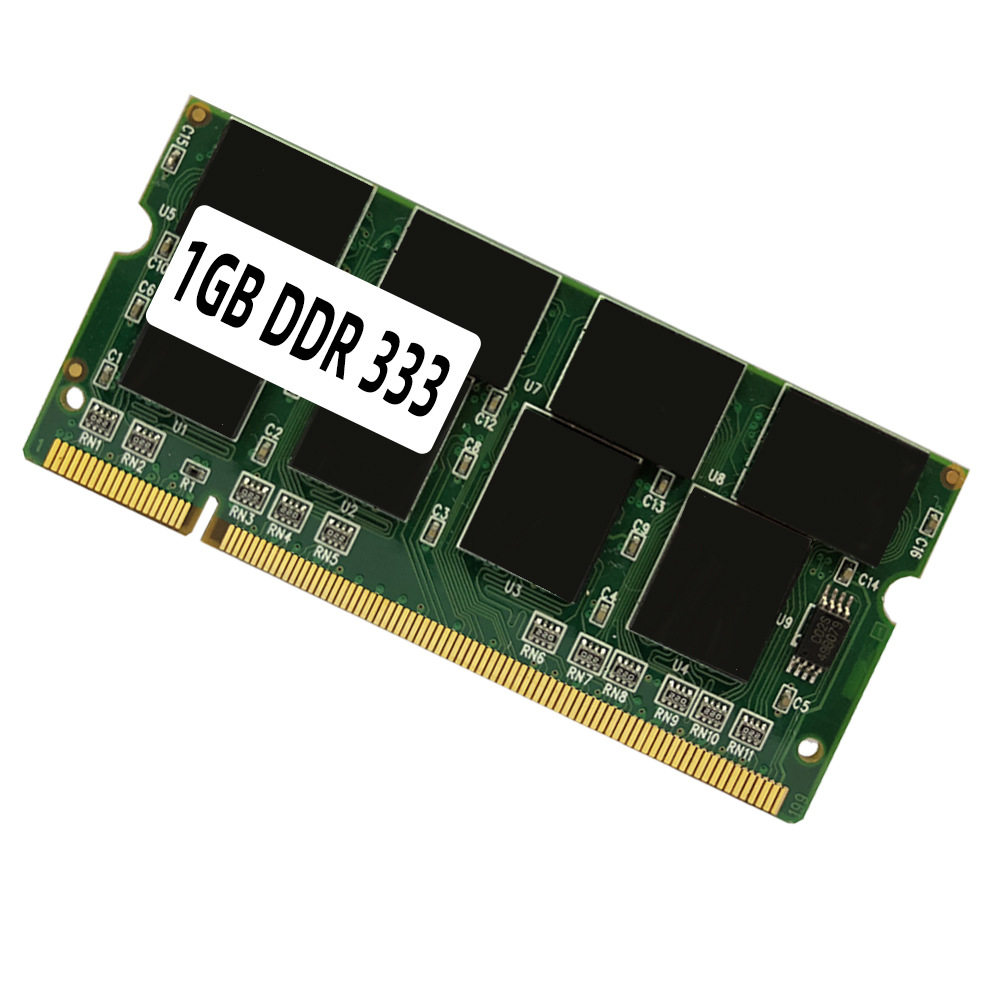
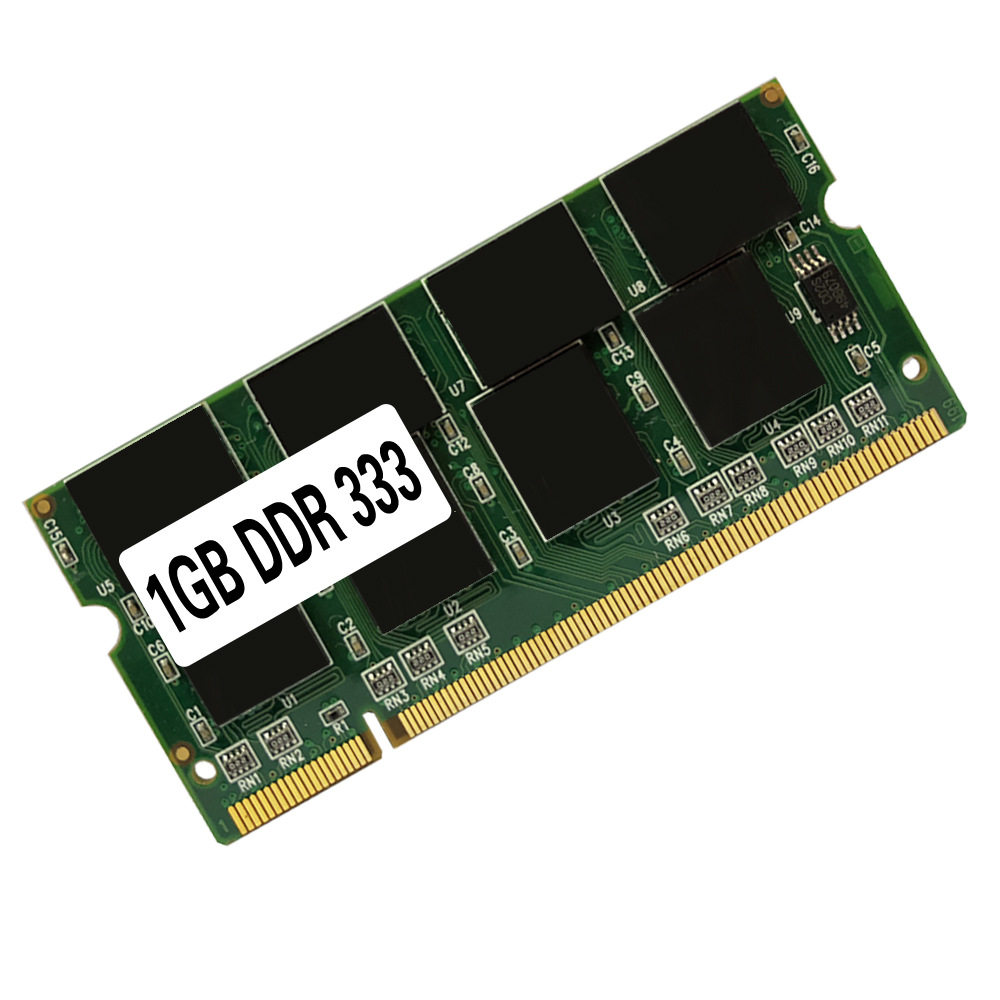
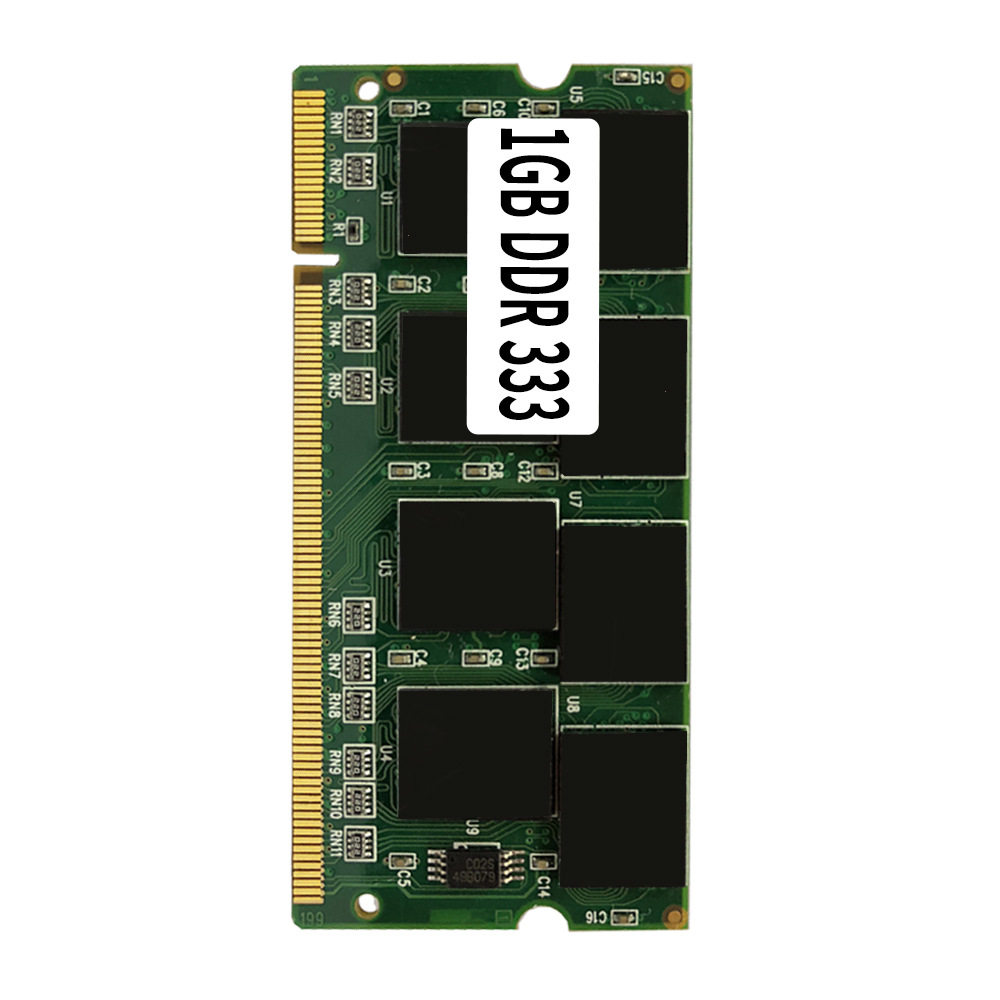
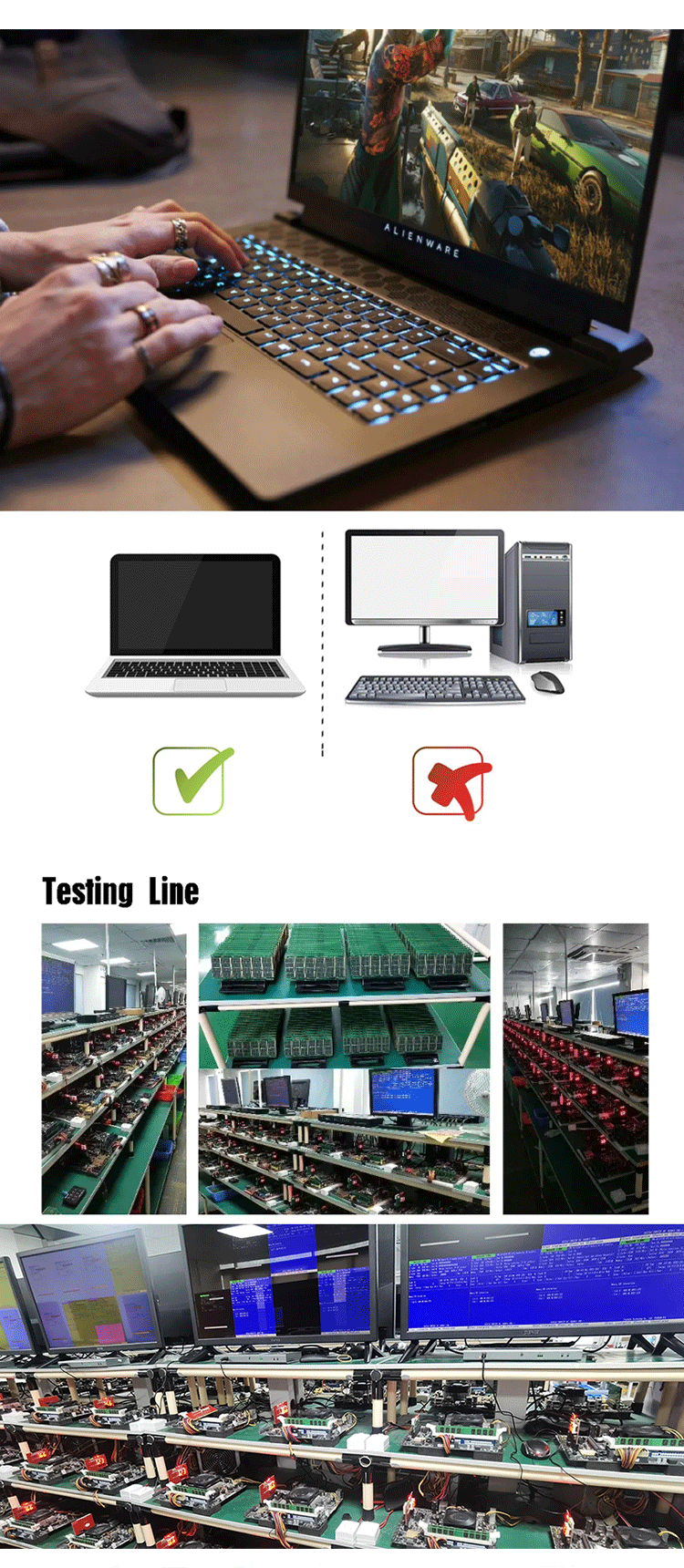
Type:Laptop Ram Memory For Notebook
Capacities:1GB/512MB
Speeds:333MT/s
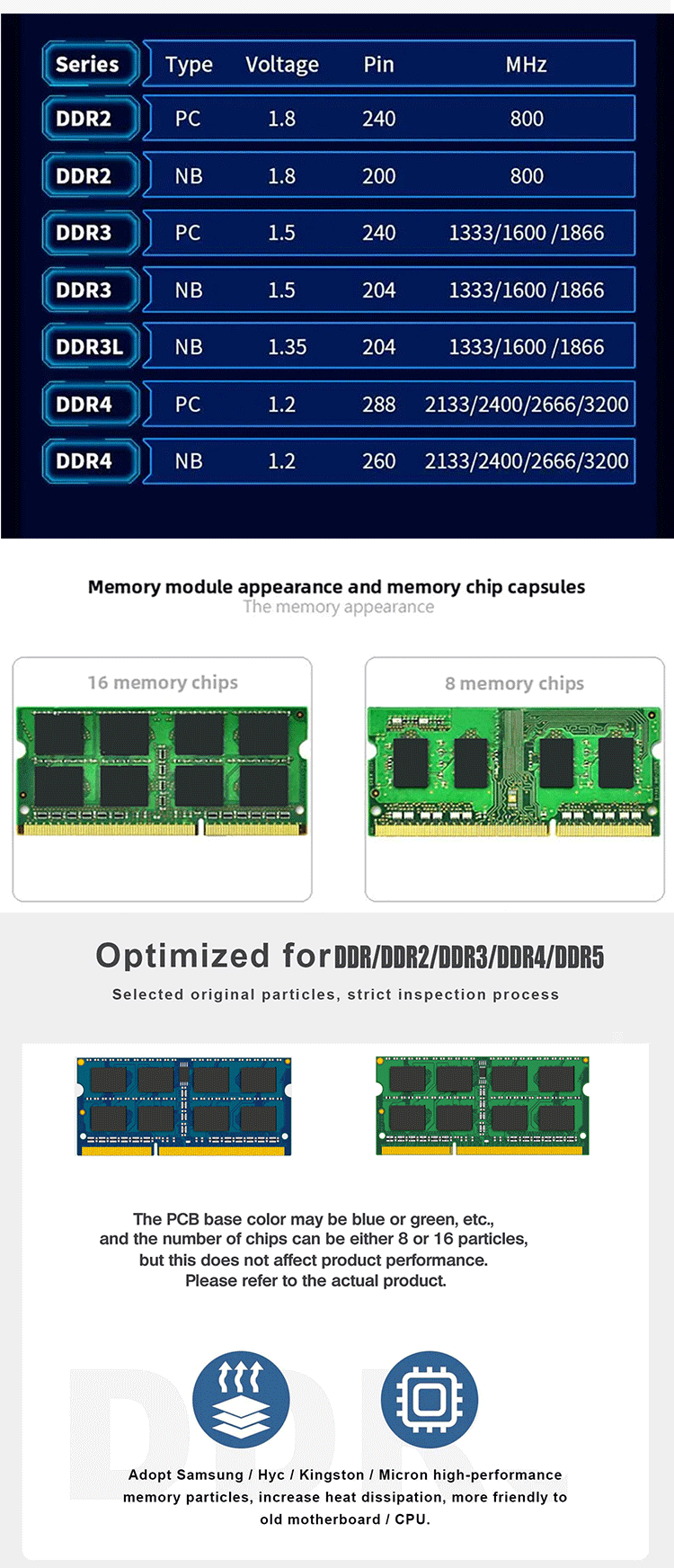
Voltage:2.5V
Operating Temperature:0°C to 85°C
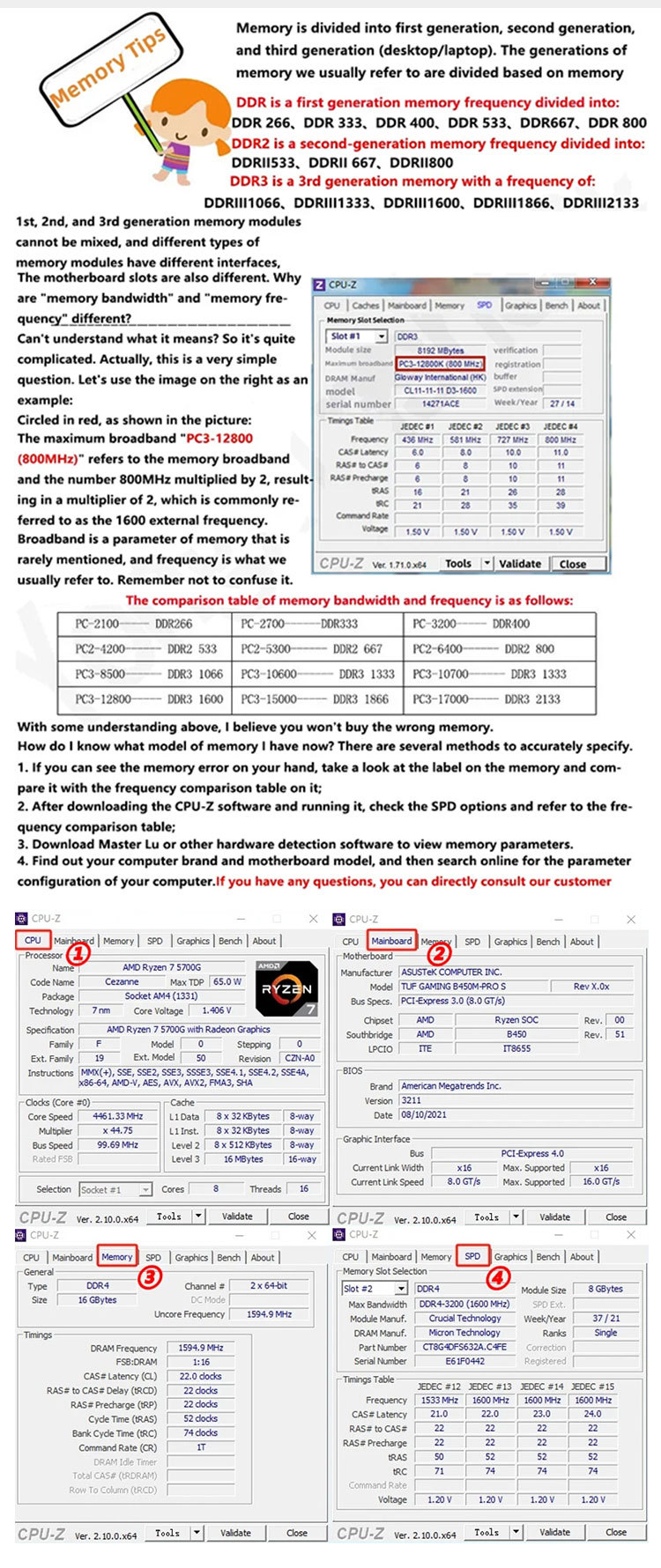
Why is my diagnostic program(CPU-Z etc.)showing that my memory is running at half thefrequency?
CPU-Z usually detects the bus frequency of the memory,which is half of the frequency for DDR type memory.DDR(Double Data Rate)data rate provides twice the memory bus frequency.Therefore,if the memory busspeed is 1600MHz and you are using DDR4-3200 memory,the RAM is running at the correct speed.
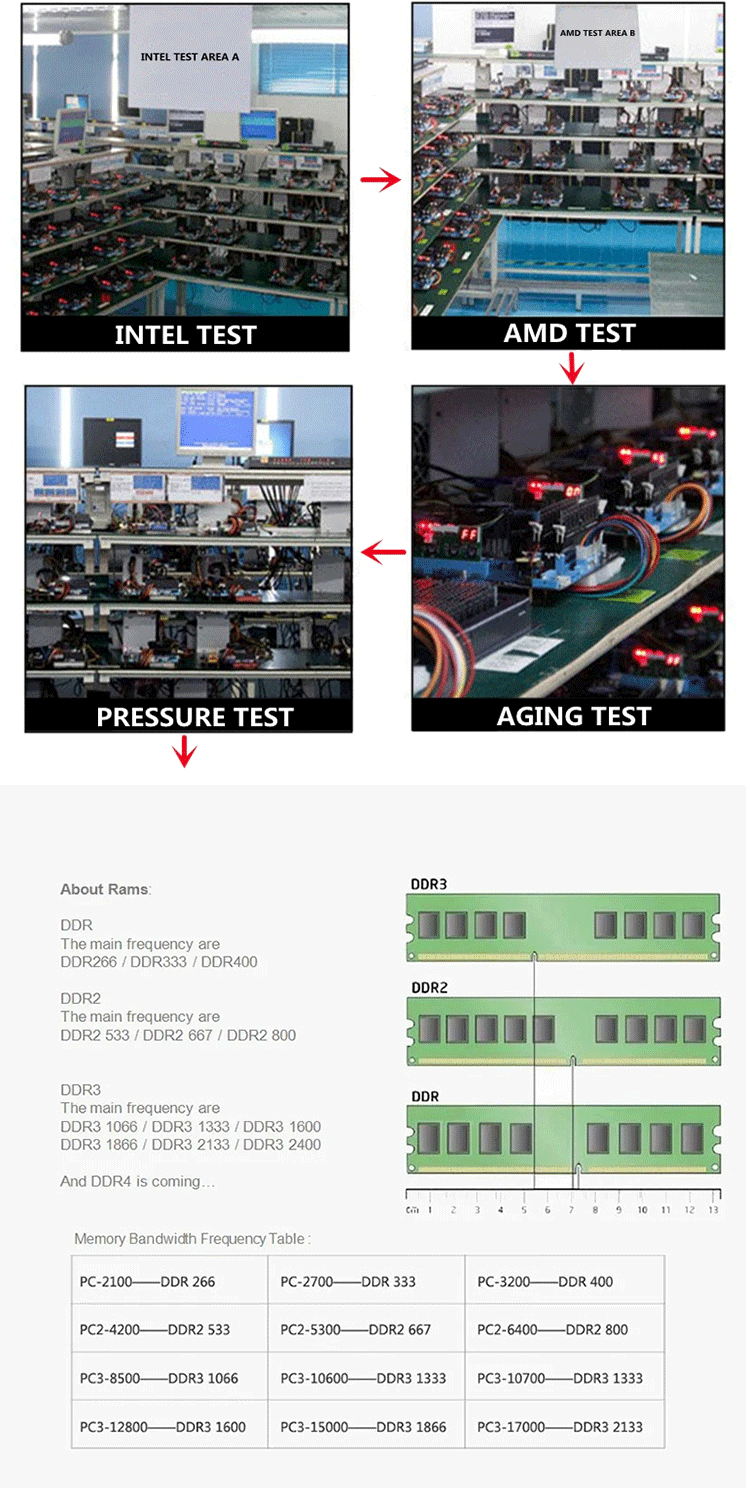
Frequency display in app:
PC-2100=DDR 266MHz CPU-Z detection shows:DDR-266(133MHz)
PC-2700=DDR 333MHz CPU-Z detection shows:DDR-333(167MHz)
PC-3200=DDR 400MHz CPU-Z detection shows:DDR-400(200MHz)
PC2-4200=DDR2 533MHz CPU-Z detection shows:DDR2-533(267MHz)
PC2-5300=DDR2 667MHz CPU-Z detection shows:DDR2-667(333MHz)
PC2-6400=DDR2 800MHz CPU-Z detection shows:DDR2-800(400MHz)
PC3-8500=DDR3 1066MHz CPU-Z detection shows:DDR3-1066(533MHz)
PC3-10600=DDR3 1333MHz CPU-Z detection shows:DDR3-1333(667MHz)
PC3-12800=DDR3 1600MHz CPU-Z detection shows:DDR3-1600(800MHz)
PC3-14900=DDR3 1866MHz CPU-Z detection shows:DDR3-1866(933MHz)
PC4-17000=DDR4 2133MHz CPU-Z detection shows:DDR4-2400(1067MHz)
PC4-19200=DDR4 2400MHz CPU-Z detection shows:DDR4-2400(1200MHz)
PC4-21300=DDR4 2666MHz CPU-Z detection shows:DDR4-2666(1333MHz)
PC4-25600=DDR4 3200MHz CPU-Z detection shows:DDR4-3200(1600MHz)
PC5-38400=DDR5 4800MHz CPU-Z detection shows:DDR5-4800(2400MHz)
PC5-41600=DDR5 5200MHz CPU-Z detection shows:DDR5-5200(2600MHz)
PC5-44800=DDR5 5600MHz CPU-Z detection shows:DDR5-5600(2800MHz)
PC5-48000=DDR5 6000MHz CPU-Z detection shows:DDR5-6000(3000MHz)
Packing List: 1PCS
Ways:
If the Memory Appears: Blue Screen, Crash, Restart, Long Alarm Sound, Please Operate as follows, if not, it is determined to be incompatible:
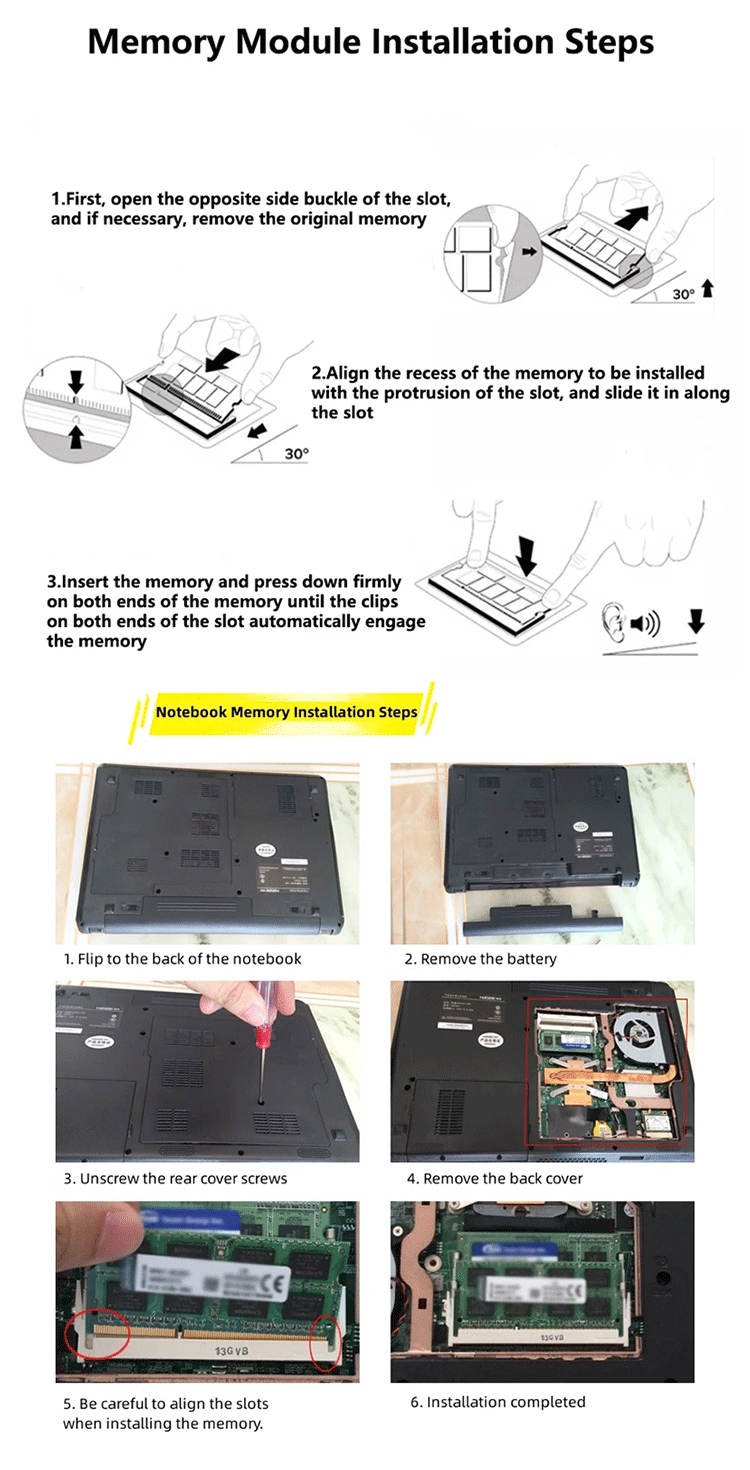
1. The memory is not inserted properly, or the connecting finger is oxidized. Use the eraser to erase the memory connecting finger and then reinsert it, or change the slot;
2. The memory slot is dusty or oxidized. Use a brush and wash water to clean it (If you don't wash the water, just brush it off)
3. The memory is not compatible, try another memory.
4. CMOS is not discharged to restore the factory settings, maybe it is normal (the motherboard battery can be removed, and then installed again).
5. The motherboard is not compatible with the CPU, try another CPU
Note:
This memory stick is suitable for some older computers. During actual use, there may be compatibility issues that prevent the computer from turning on, or it may automatically run at a reduced frequency. For instance, an old computer with 256MB May not support a single 1GB capacity stick, and an old computer with 2G May not support 4GB or 8GB. However, the computer will automatically run the memory at the most suitable capacity and frequency. Whether it can be used as desired depends on the configuration information of the motherboard provided by the motherboard provider. For instance, the frequency of DDR1 at 400MHz might operate at 333MHz and 266MHz, that of DDR2 at 800MHz might run at 667MHz and 533MHz, and that of DDR3 at 1600MHz might run at 1333MHz and 1066MHz. All of these are normal phenomena. The computer will not be affected in normal use due to a slight difference in frequency.

You may also like